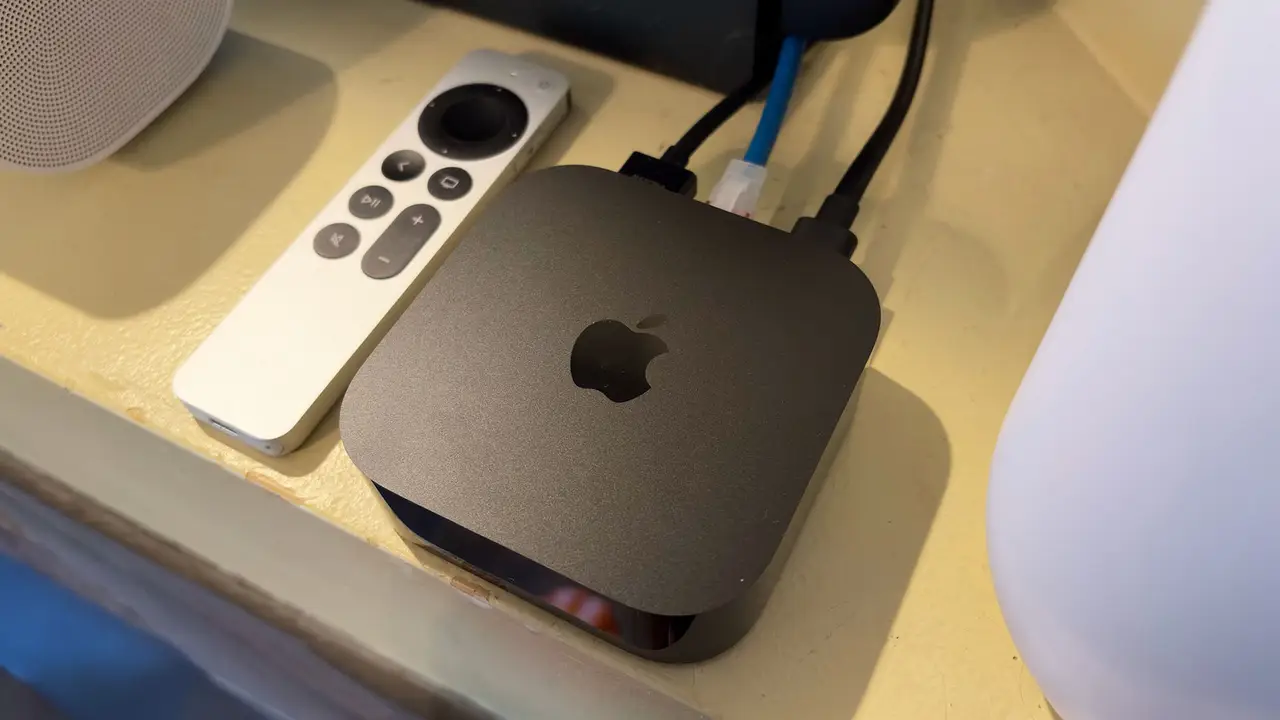
By default, Apple TV 4K converts video to a single format, adjusting its dynamic range and frame rate. This is usually HDR and 50 or 60 frames per second, depending on the display.
The information comes from Engadget.
To have the device play content in its original settings, open Settings, select Video and Audio, then Match Content. Turn on Match Dynamic Range and Match Frame Rate.
Dynamic range affects an image’s colors and contrast. Content is available in standard dynamic range (SDR) or high dynamic range (HDR). According to the article’s author, converting SDR to HDR can make colors look washed out and images noisy.
Movies are mostly shot at 24 frames per second, TV broadcasts are typically 30, and sports and other fast-paced programs are usually 60. Increasing the frame rate of video shot at 24 frames per second can cause jitter and motion issues.