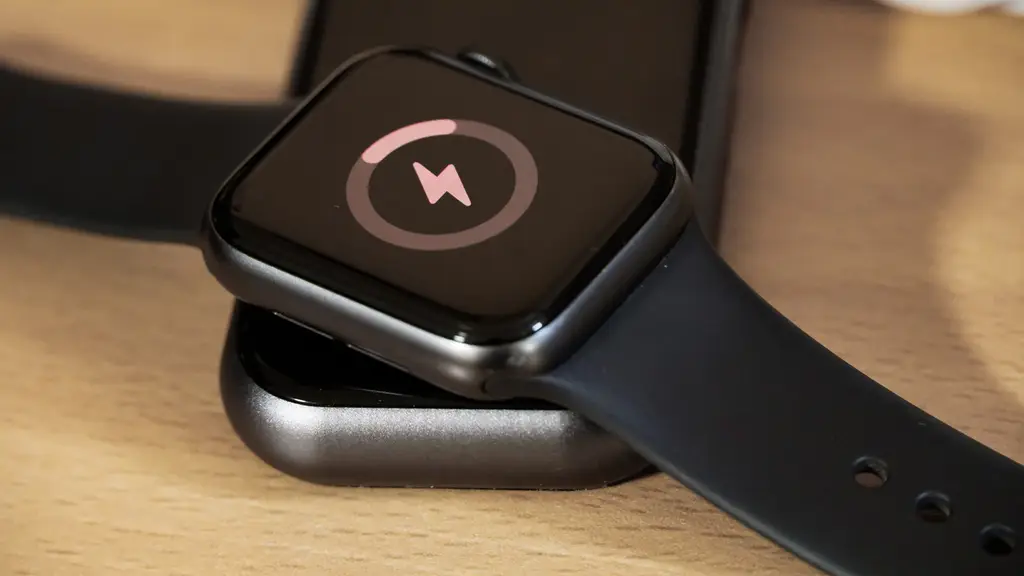
To check your Apple Watch battery status, open Settings Battery Battery Health. There you can turn on optimized battery charging and see your maximum battery capacity. Engadget reports that lower capacity means the watch will run for fewer hours between charges, and that service may be needed once maximum capacity drops below 80%, as with an iPhone.
The report comes from Engadget.
The watch also alerts you when the battery needs service, even if you never open the settings. Optimized charging is supported on models starting with the Series 6, SE and the first Ultra. It charges the device based on your usual routine and delays charging above 80%, keeping the level between 75% and 80%.
To extend battery life, Engadget advises updating watchOS and turning on Low Power Mode, which disables oxygen monitoring, the always-on display and other features. During workouts you can turn off the heart rate sensor in Power Saving Mode, but this may reduce the accuracy of health data.
Wake on Wrist Raise can be turned off in Settings Display & Brightness Wake. For a temporary fix, Theater Mode keeps the screen from lighting up due to small movements or raising your wrist.