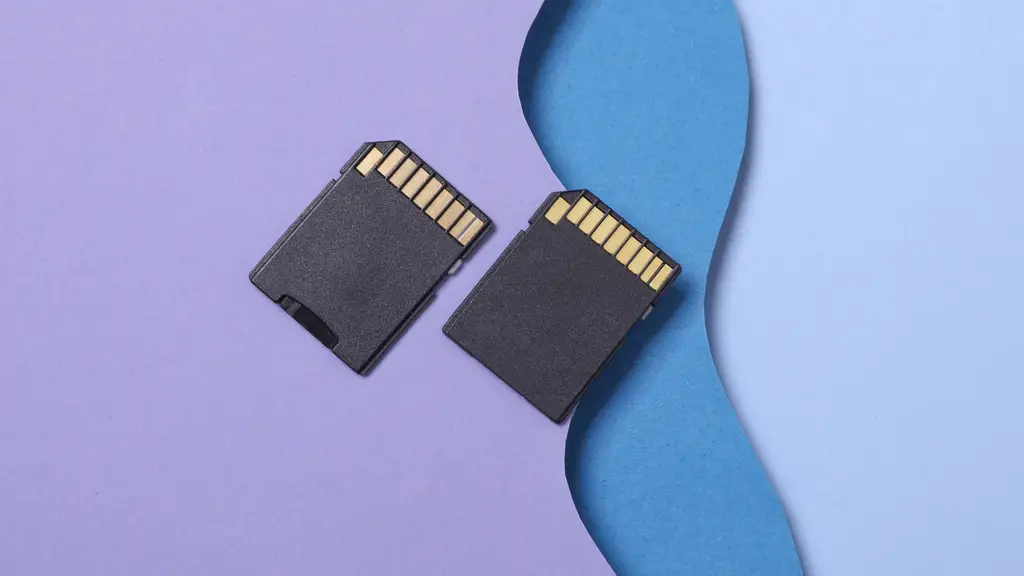
Before saving important files, Windows users can check an SD card with the free H2testw program, which tests a storage device’s capacity and speed.
The report comes from Engadget.
A suspiciously low price or an unfamiliar brand may be signs of a counterfeit. Check the packaging for missing labels or warranty information.
Be cautious with cards sold by unauthorized third-party sellers on Amazon or eBay. Counterfeits may imitate well-known brands. Some also advise avoiding refurbished cards altogether; buying from a physical retailer may be an alternative.
How-to Geek explains that scammers can make a storage device appear to have more capacity than it really does. When data exceeds the device’s actual capacity, files may disappear, become corrupted or be overwritten.
In H2testw, select the connected storage device. The program can help check whether it works and whether its capacity matches what is advertised.
Another option is the open-source program F3 (Flight Flash Fraud). The project’s website says it writes pseudorandom data to a device and then checks whether the same data is returned when read.
CrystalDiskMark can be used to check a card’s speed. XDA notes that packaging usually lists baseline read and write speeds, which can be compared with the test results.