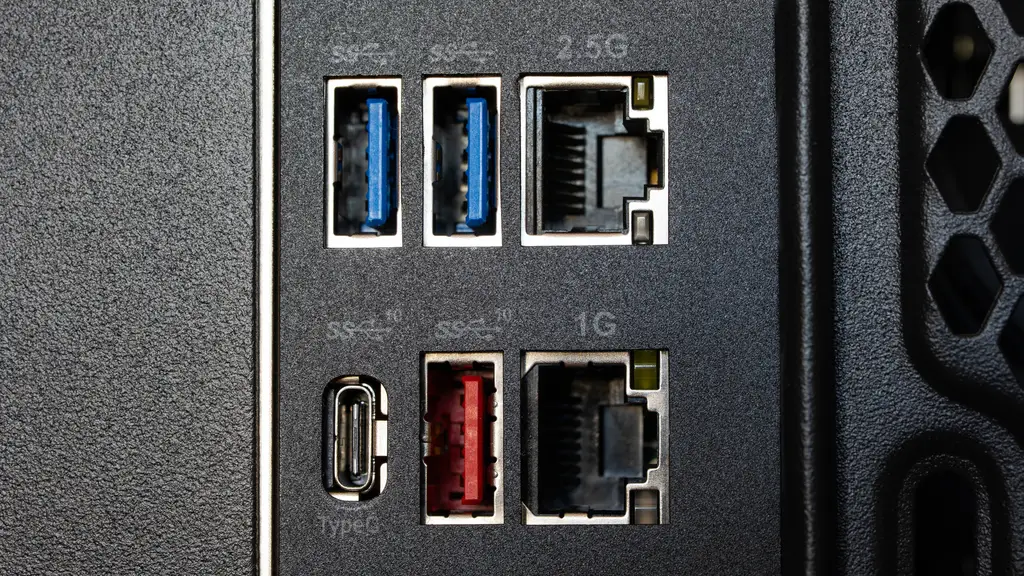
Some computer USB ports can keep supplying power to a phone after the PC is turned off, but not all support the feature.
This was reported by Engadget.
Manufacturers use different names for the feature: Lenovo calls it Always On, Dell calls it PowerShare, and others use battery or lightning-bolt icons. The computer’s manual can help you check whether the feature is supported and how to enable it.
You can also test it directly: connect a phone, turn off the computer and see whether it keeps charging.
If charging stops, you may be able to change the setting in the BIOS or UEFI on compatible Windows computers. Look under Advanced, Power or Chipset for an option such as USB power delivery or Always On charging.
ErP (Energy-related Products) or Deep Sleep settings may cut USB power after shutdown. Changing settings won’t help if the computer doesn’t support charging while off.
On laptops, charging after shutdown may stop when the battery reaches a set reserve level. On some models, USB charging while off may depend on the AC adapter being connected.
Behavior can vary even between ports on the same computer. USB power doesn’t mean you can transfer files while the computer is off.